This guide contains affiliate links. As a TikTok Shop affiliate and Amazon Associate, I earn from qualifying purchases at no extra cost to you.
A gaming desk setup in 2026 is about more than RGB. The best gaming setups are fast, ergonomic, and built to last through long sessions. This guide covers every product category with specific picks and shows you exactly how to build one at $300 or $500.
⚠️ Prices are approximate and subject to change. Always check TikTok Shop for the most current pricing before purchasing.
The Core Gaming Setup Products
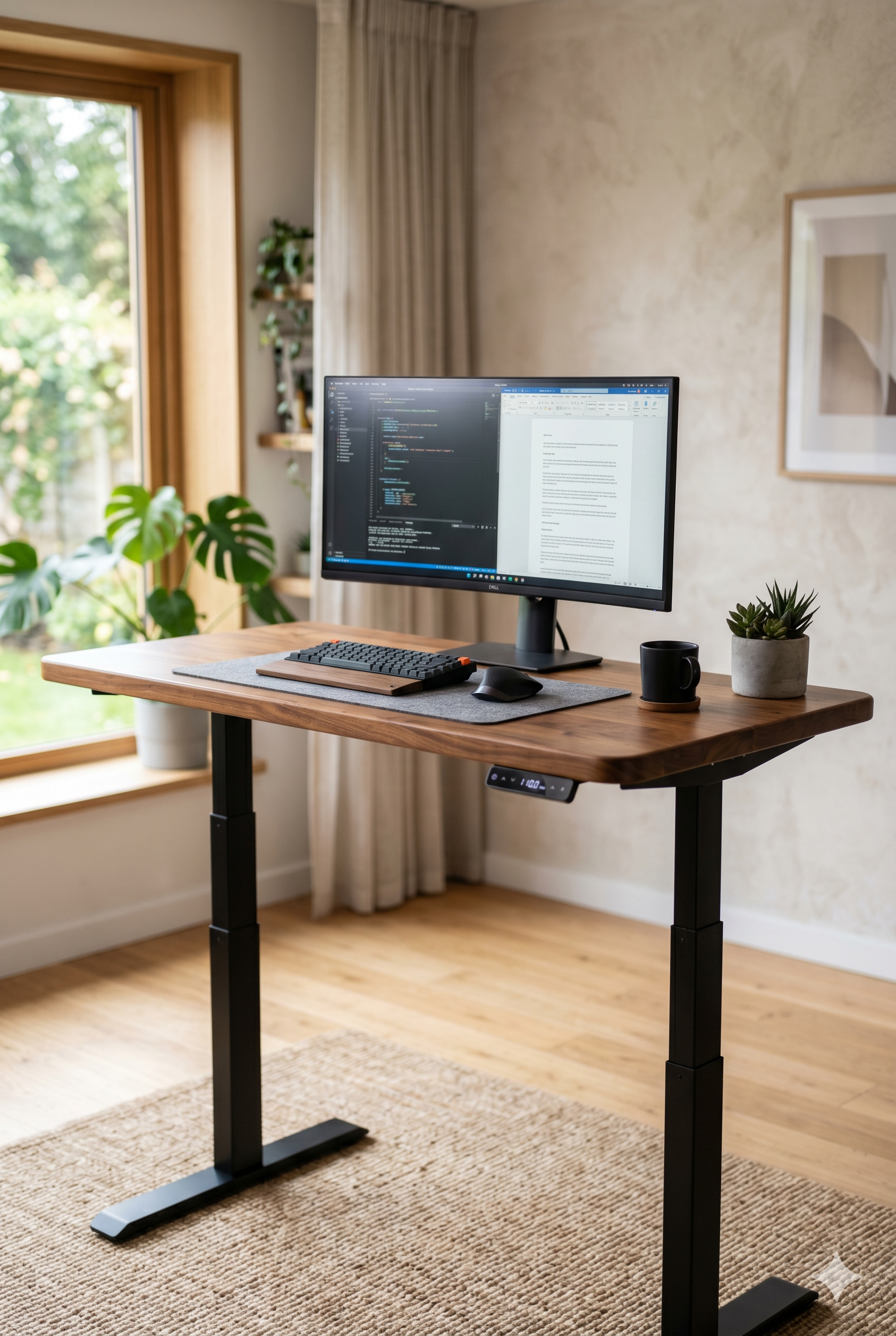
1. FlexiSpot EN1 Electric Height Adjustable Desk — ~$250
FlexiSpot EN1 — Dual motor, 55×28″ surface, height adjustable from 28″ to 47.6″. Your gaming setup should sit or stand. Long gaming sessions are better with the option to shift positions. Dual motor means stable at full height — no wobble mid-game.
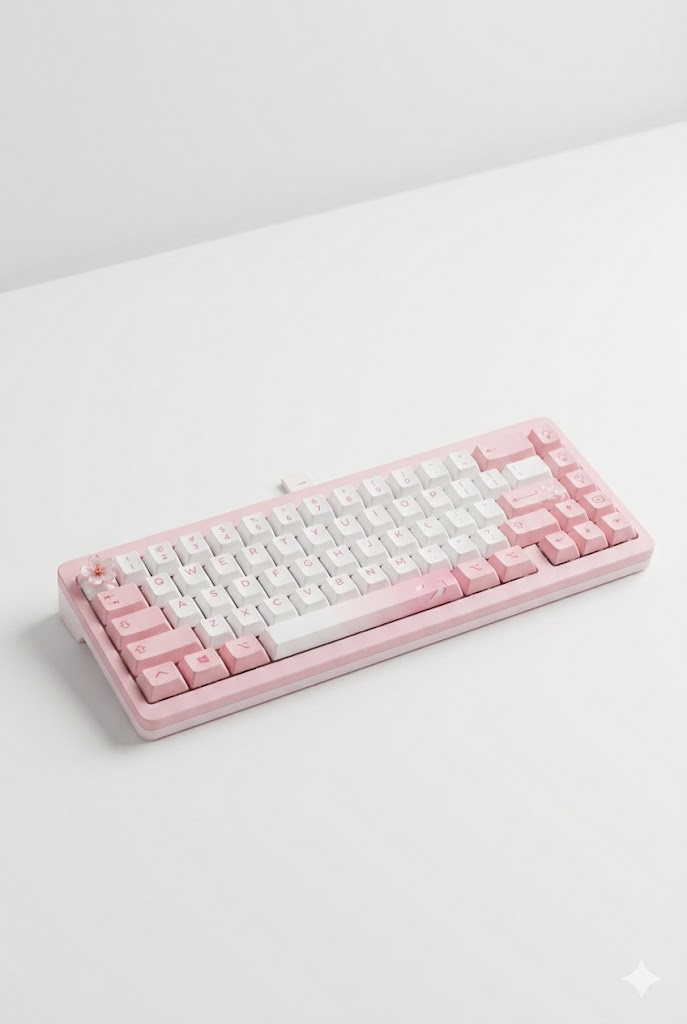
2. EPOMAKER TH80 V2 PRO Wireless Keyboard — ~$75
EPOMAKER TH80 V2 PRO — Tri-mode wireless (BT/2.4GHz/USB), adjustable actuation from 0.2mm, rapid trigger support, per-key RGB backlighting. This is the keyboard that punches way above its price. Rapid trigger and adjustable actuation are features you typically see on $150+ boards — the TH80 Pro packs them in at $75.

3. Logitech MX Master 4 Wireless Mouse — ~$65
Logitech MX Master 4 — 66g honeycomb lightweight design, 2.4GHz + Bluetooth dual wireless, 200-hour battery life. At 66g, this is legitimately lighter than most wired mice. The 2.4GHz connection gives you zero-lag wireless. 200-hour battery means you’re charging this thing maybe once every two months.
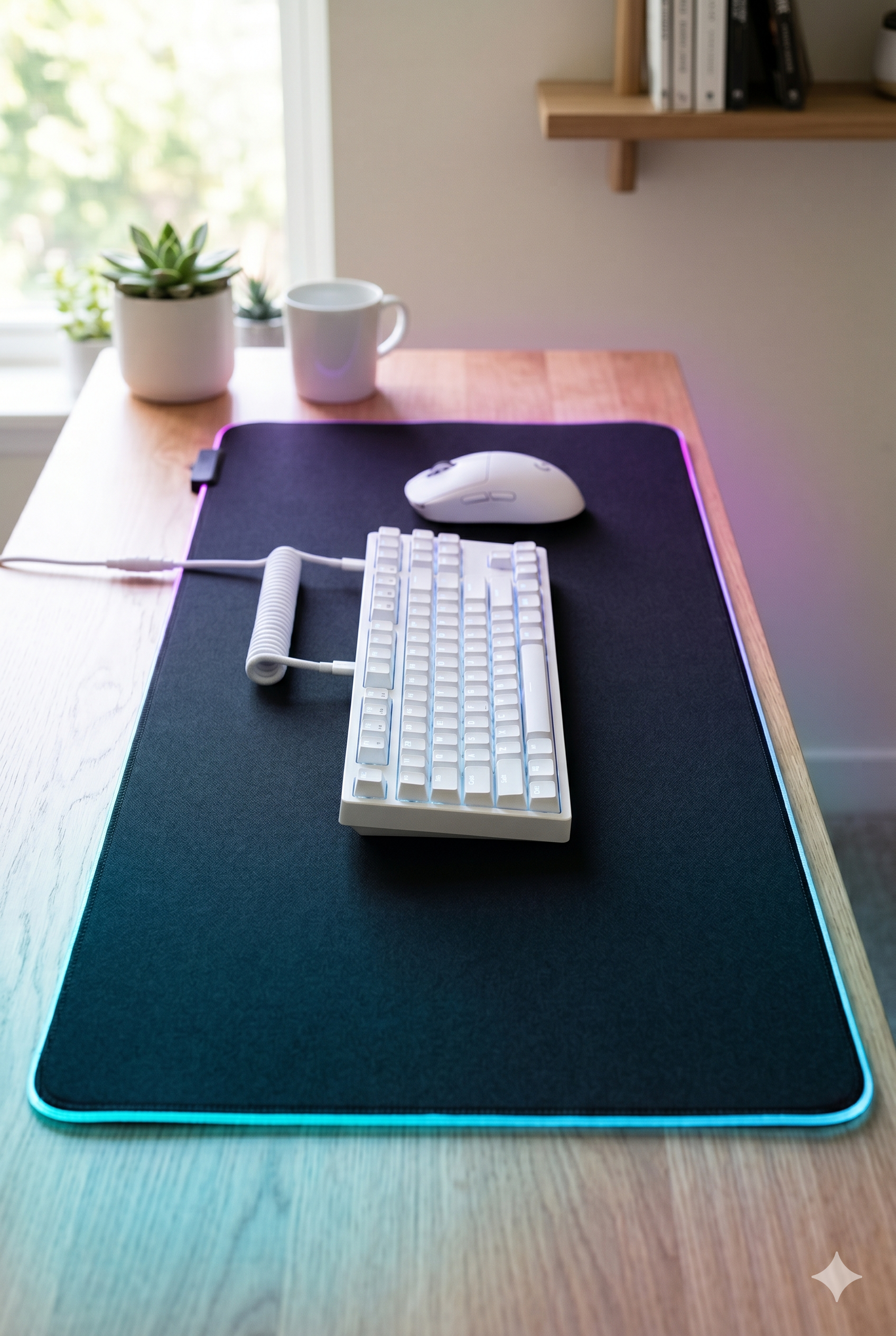
4. Turtle Beach Sense AIMO XXL Gaming Mat — ~$35
Turtle Beach Sense AIMO XXL — XL cloth surface, stitched edges, micro-textured for both speed and control. The QcK is the benchmark that other mats are compared against. Stitched edges mean it won’t fray after 6 months like cheaper pads.
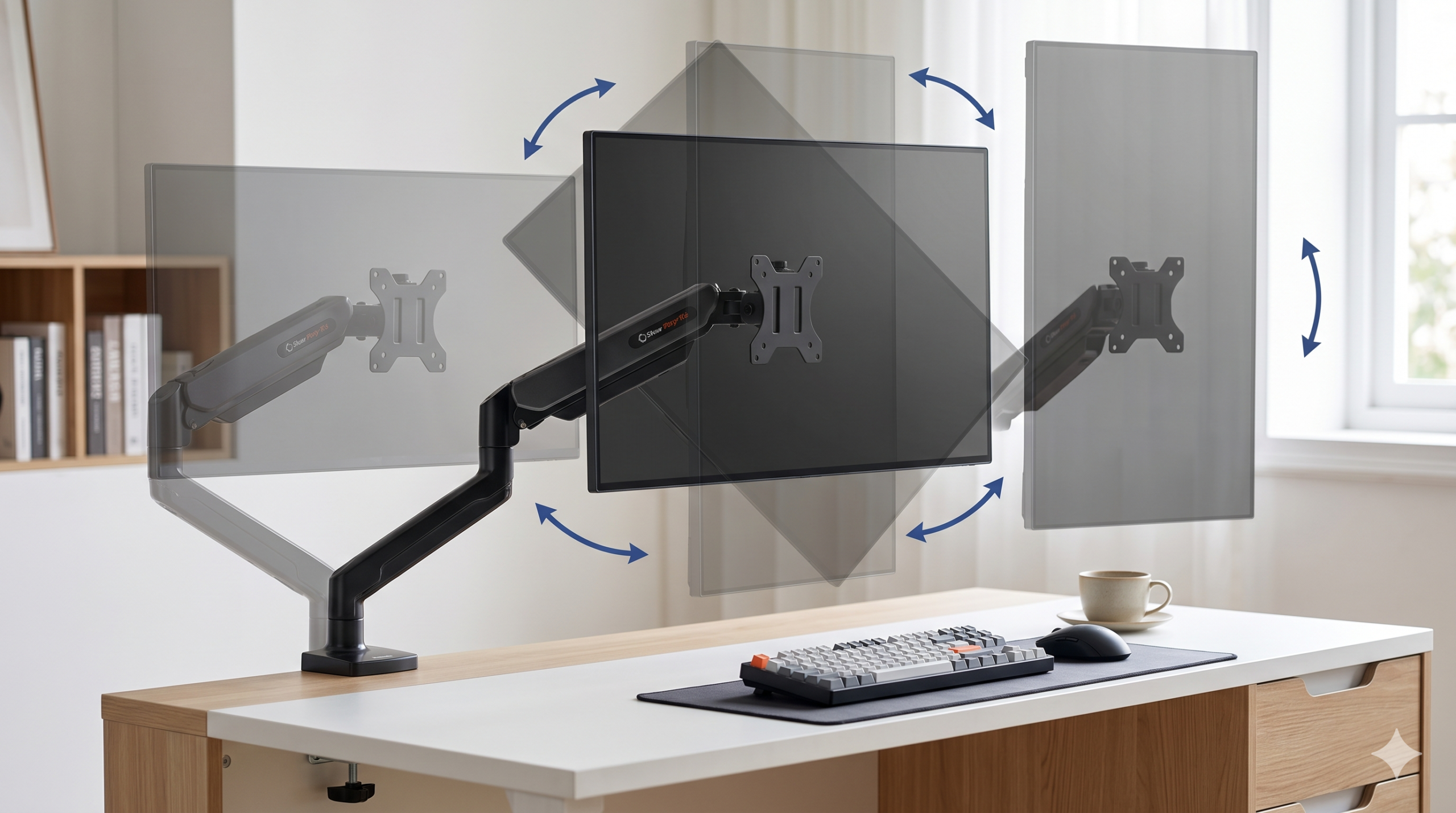
5. Dual Monitor Arm — ~$45-60
Dual Monitor Arm — VESA compatible, supports two monitors, full articulation (tilt, swivel, height). Mounting two monitors on an arm reclaims 6+ inches of desk depth and lets you angle each screen precisely. Way better than stacked monitor stands.
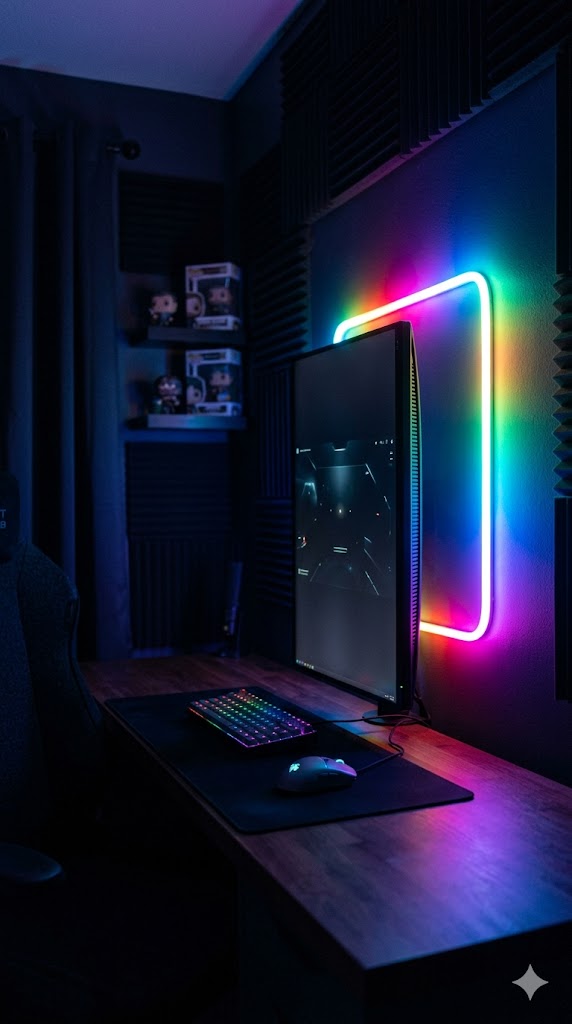
6. RGB LED Strip Lights (Music Sync) — ~$25
Govee RGBIC LED Strips — App-controlled, 16M colors, music sync mode, designed for behind-monitor placement. RGBIC means each segment can show a different color simultaneously — much better looking than single-color strips. Music sync mode reacts to game audio in real time.
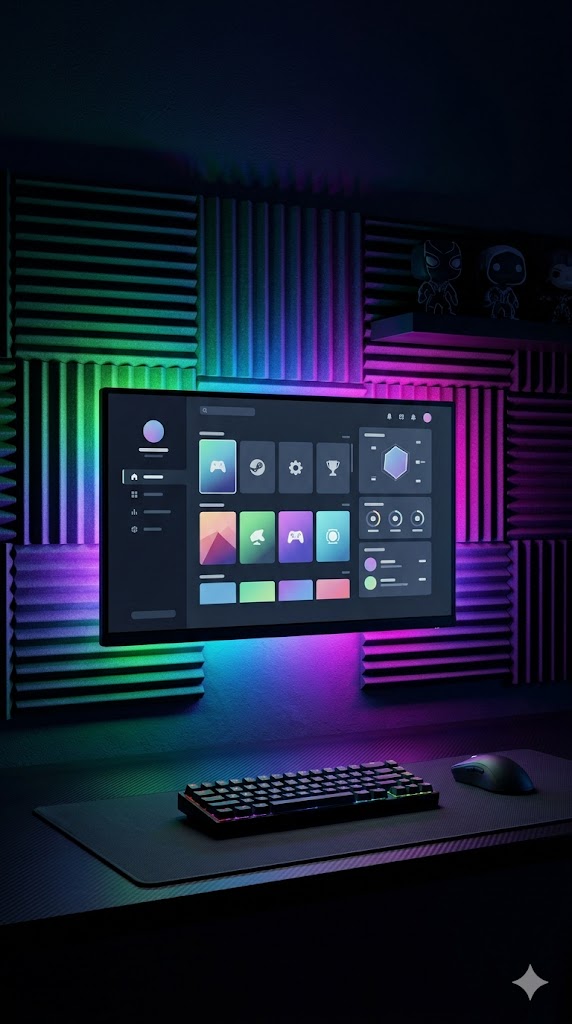
7. LED Screen Light Strip — ~$35
LED Screen Light Strip — Dimmable, color temperature adjustable (warm to cool white), clips to top of monitor. During long sessions, a monitor bar reduces eye strain significantly compared to gaming with only RGB strips on. Function meets aesthetic.
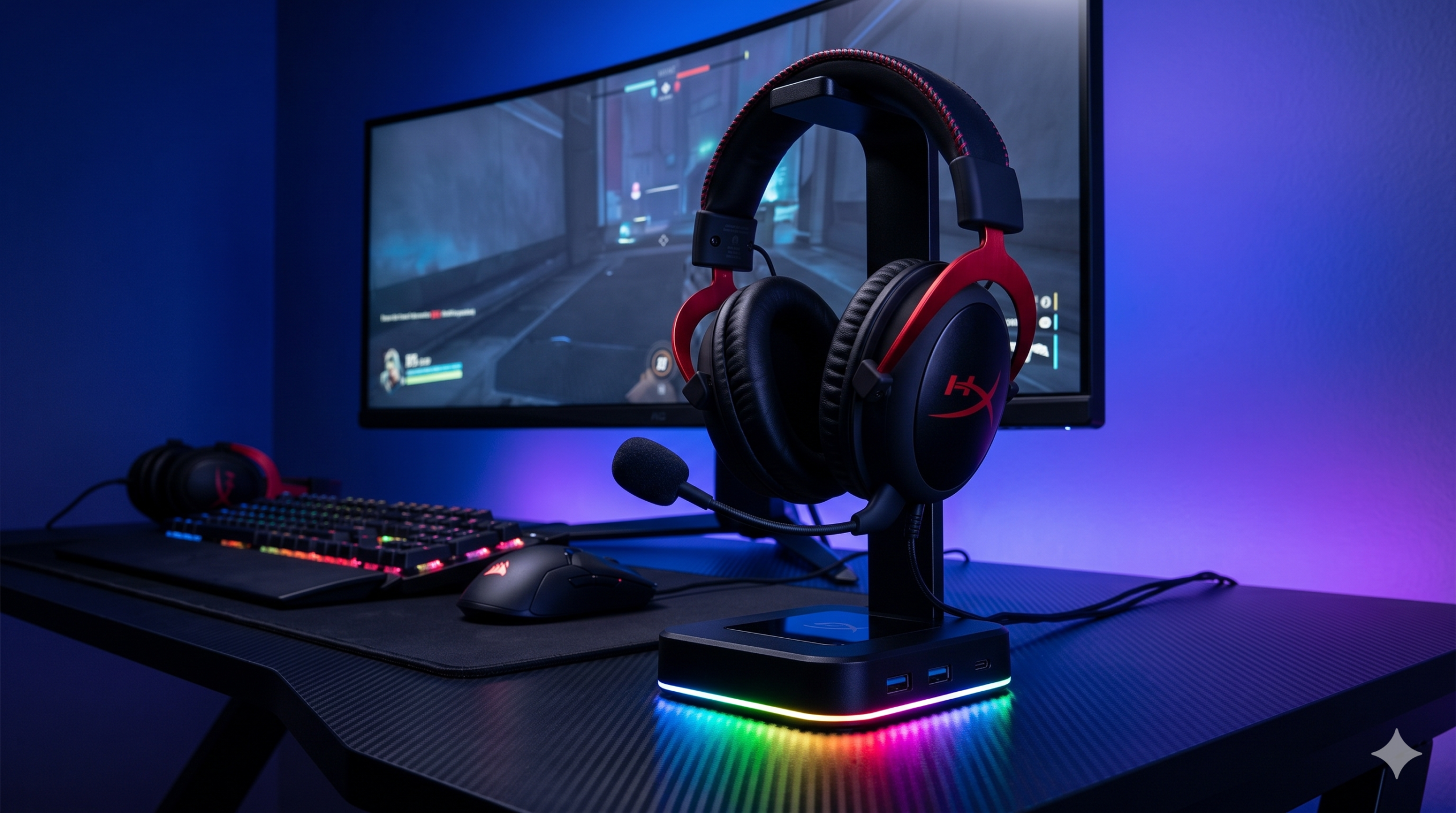
8. RGB Gaming Headphone Stand with USB Ports — ~$28
Headphone Stand with USB Hub — 2 USB-A ports, 1 USB-C port, holds headphones upright. Keeps your headset off the desk, charges your controller, and adds front-facing USB ports where you actually need them. One of the best small upgrades for a gaming setup.

9. Logitech G305 LIGHTSPEED Mouse — ~$45
Logitech G305 LIGHTSPEED — Budget alternative to the Aerox 3. 12K DPI HERO sensor, 1-year battery life on a single AA battery, 2.4GHz wireless. If $65 is too much for a mouse, the G305 is legitimately excellent for the price. The battery life alone sets it apart.
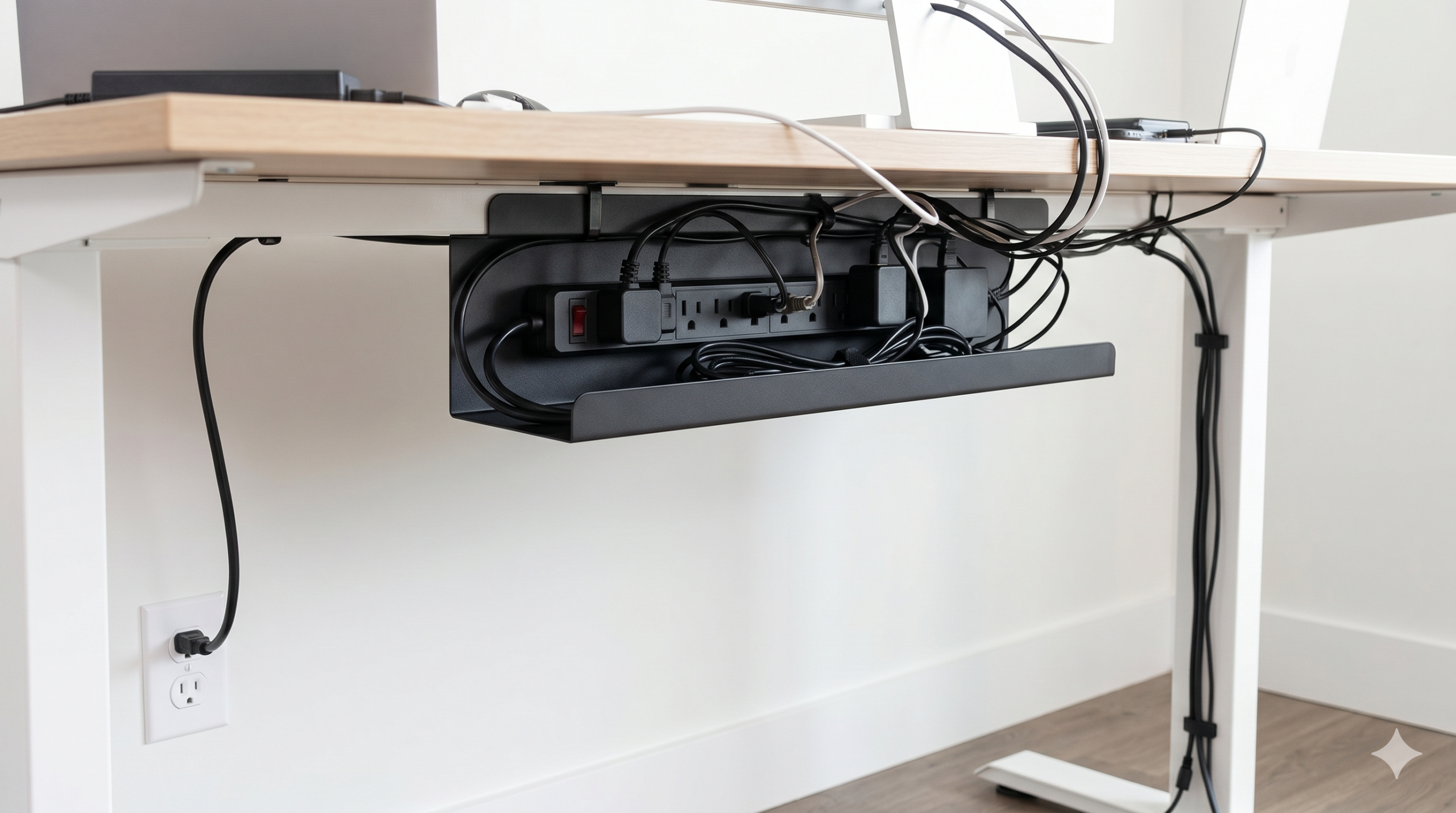
10. Cable Management Kit — ~$20
Cable Management Kit — Under-desk cable tray + velcro ties + cable sleeves combo. Gaming setups accumulate cables fast: monitor, keyboard, mouse dongle, LED strips, USB hub, headset. A management kit hides all of it under the desk and keeps your surface clean.
Complete Build Breakdowns
Techy Gaming Setup: $300 Build
| Product | Price | Shop |
|---|---|---|
| Basic fixed desk (55″+) | ~$90 | 🛒 Shop |
| Epomaker TH80 Pro keyboard | ~$75 | 🛒 Shop |
| Logitech G305 mouse | ~$45 | 🛒 Shop |
| SteelSeries QcK Extended mat | ~$35 | 🛒 Shop |
| Govee RGBIC LED strips | ~$25 | 🛒 Shop |
| Headphone stand with USB hub | ~$28 | 🛒 Shop |
| Total | ~$298 |
This $300 build gives you a pro-level keyboard with rapid trigger, wireless mouse, full-desk mat, RGB lighting, and clean cable management. Missing: monitor arm and standing desk — add those as upgrades.
Techy Gaming Setup: $500 Build
| Product | Price | Shop |
|---|---|---|
| FlexiSpot EN1 standing desk | ~$250 | 🛒 Shop |
| Epomaker TH80 Pro keyboard | ~$75 | 🛒 Shop |
| SteelSeries Aerox 3 Wireless mouse | ~$65 | 🛒 Shop |
| SteelSeries QcK Extended mat | ~$35 | 🛒 Shop |
| Govee RGBIC LED strips | ~$25 | 🛒 Shop |
| LED Screen Light Strip | ~$35 | 🛒 Shop |
| Cable management kit | ~$20 | 🛒 Shop |
| Total | ~$505 |
The $500 build is the full setup. Standing desk, top-tier lightweight wireless mouse, lighting for both function and ambiance, and clean cable routing. Add a dual monitor arm (+$50) to complete it.
Gaming Setup Tips
- 2.4GHz over Bluetooth for gaming — Bluetooth has higher latency. Always use 2.4GHz dongle mode for actual gameplay.
- Rapid trigger is worth it — If you play competitive shooters, adjustable actuation (0.2mm on the TH80 Pro) is a genuine performance advantage.
- LED strips behind the monitor, not overhead — Bias lighting behind your monitor reduces eye strain on dark scenes. Run the strips along the back edge of your desk.
- Standing desks don’t have to stand — Most people use standing desks at sitting height 80% of the time. But having the option to stand during long sessions makes a real difference on long days.