This guide contains affiliate links. As a TikTok Shop affiliate and Amazon Associate, I earn from qualifying purchases at no extra cost to you.
The minimal setup is not about having less stuff — it’s about having the right stuff, hidden perfectly. Every desk has cables, chargers, pens, and random items that accumulate over time. The minimal desk aesthetic is the art of making all of it disappear.
⚠️ Prices are approximate and subject to change. Always check TikTok Shop for the most current pricing before purchasing.
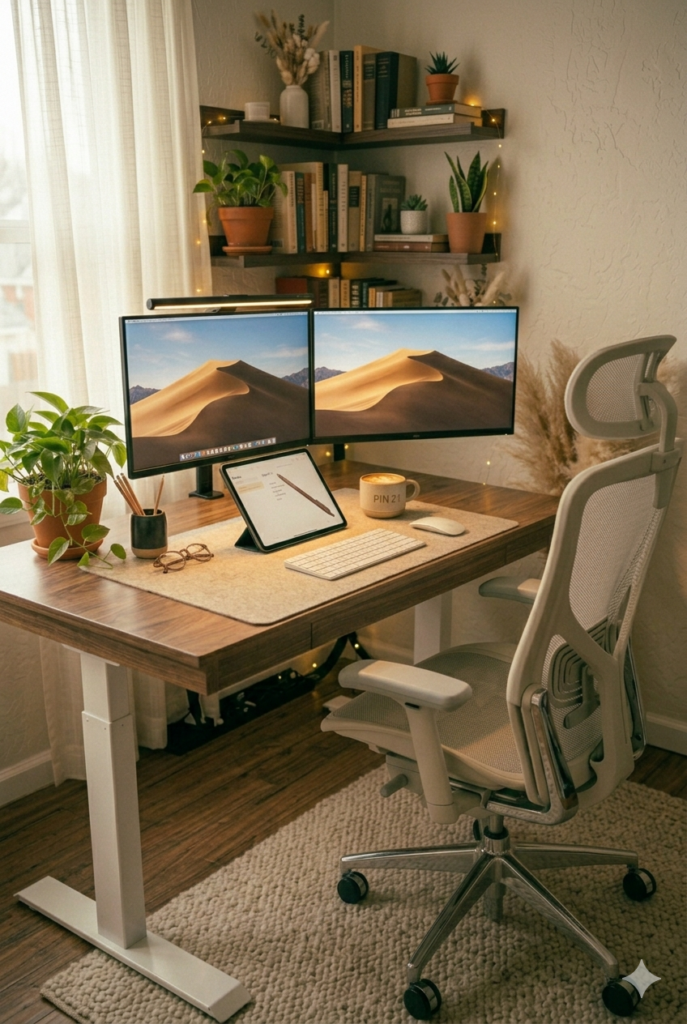
The core philosophy is simple: the desk surface should be as clear as possible. Everything has a home. If it doesn’t have a home, it doesn’t belong on your desk. Cables are routed and hidden. Your monitor floats. Your lamp is attached to your monitor instead of sitting on the desk. Every square inch of visible surface is intentional.
Here’s exactly what you need to achieve that clean, editorial, “nothing on the desk” look.
The Products
1. Monitor Arm (~$30-$50)
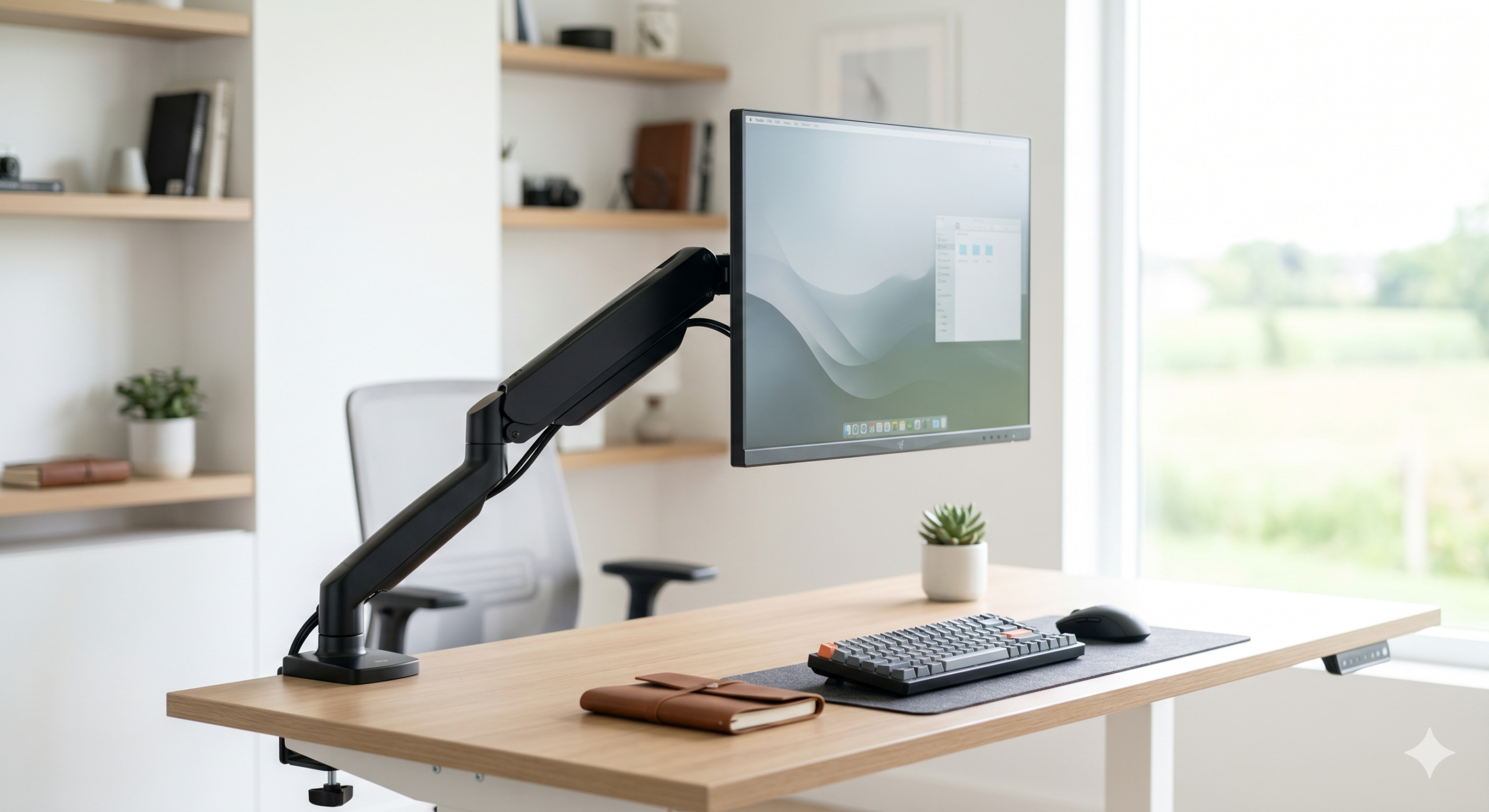
This is the single most transformative piece of gear for a minimal setup. A monitor arm lifts your monitor completely off the desk and lets you route the cables behind or through the arm. Your desk surface opens up immediately. Look for a single arm that clamps to the desk edge — no tools needed, no permanent modification. Shop Monitor Arm
2. AULA F75 Wireless Keyboard (~$40-$60)
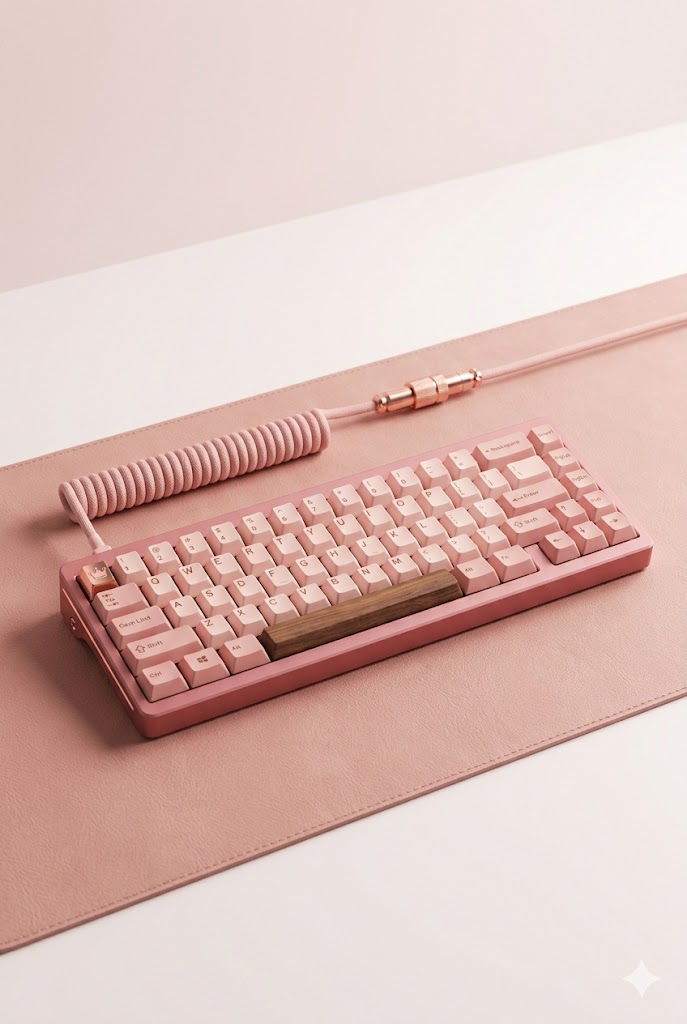
Low-profile, no number pad. A tenkeyless or 75% keyboard takes up significantly less desk real estate than a full-size board, and wireless means zero cables. Sleek, compact, and clean. Shop Slim Wireless Keyboard

3. ProtoArc Ergonomic Vertical Mouse (~$25-$40)
No cable clutter, full freedom of movement. Pick a simple, single-color mouse with a clean shape — no aggressive gaming curves or unnecessary RGB. The less it draws the eye, the better. Shop Wireless Mouse
4. Single-Color Desk Mat (~$12-$18)
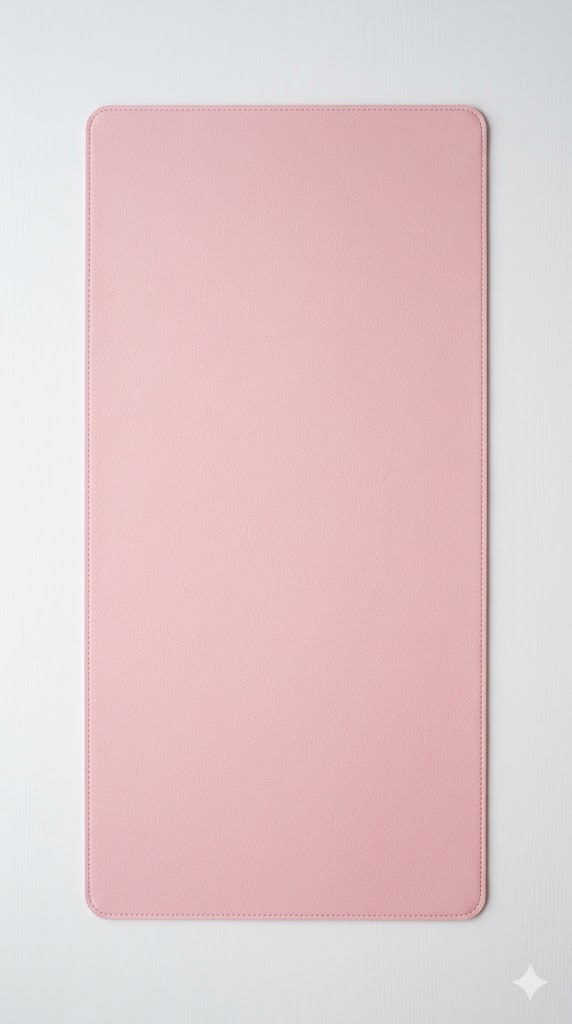
Black, white, or grey — pick one color and commit. The desk mat creates a clean visual base for everything on your desk while protecting the surface. No patterns, no logos, just clean material. Shop Desk Mat | Shop on Amazon (~$7.99)
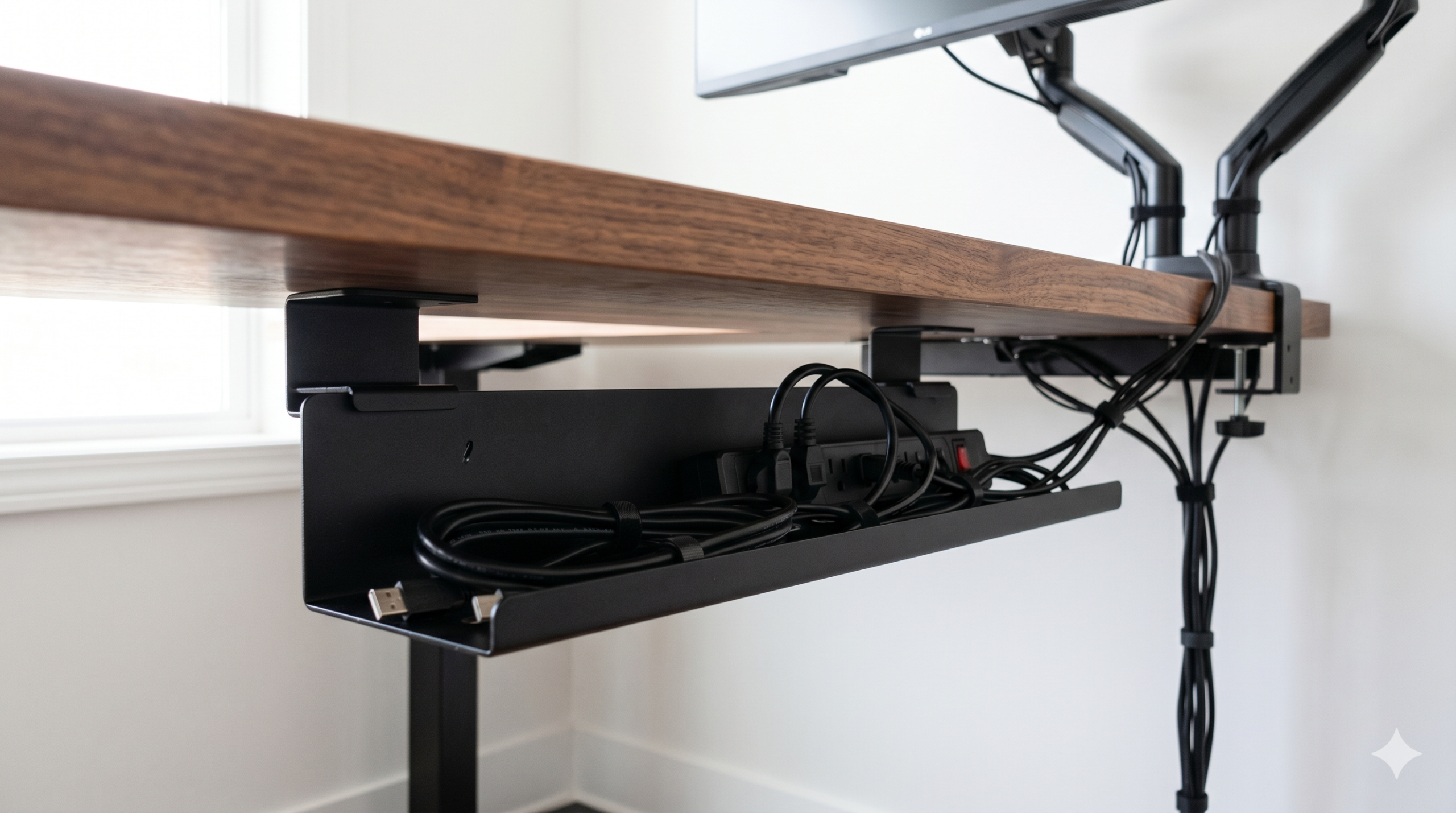
5. Under-Desk Cable Tray (~$15-$20)
Mounts under your desk and holds all the cables and power strips you can’t hide in a box. The cables disappear completely when you’re sitting at your desk — you only see clean surfaces. Game-changing for any setup. Shop Under-Desk Cable Tray
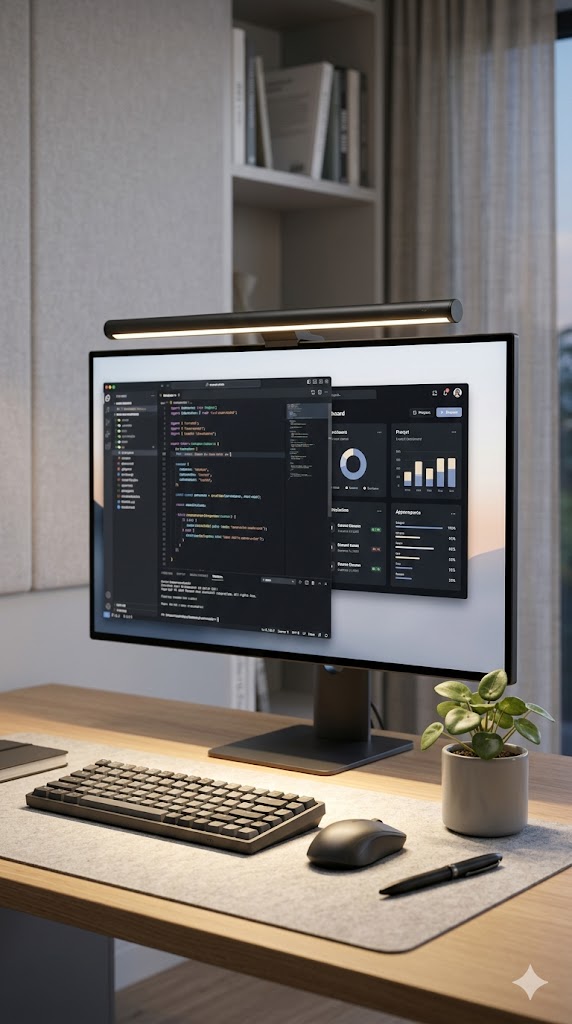
6. Monitor Light Bar (~$50-$80)
A monitor light bar sits on top of your monitor and projects light downward — no desk lamp needed. It frees up an entire vertical footprint on your desk surface and produces better, more even light than a traditional desk lamp. Shop Monitor Light Bar

7. Minimalist Desk Organizer (~$15-$20)
One pen cup, clean lines, neutral color. The minimal setup allows for exactly one organizer — everything else should be in a drawer. This keeps your most-used items accessible without creating visual noise. Shop Minimalist Desk Organizer
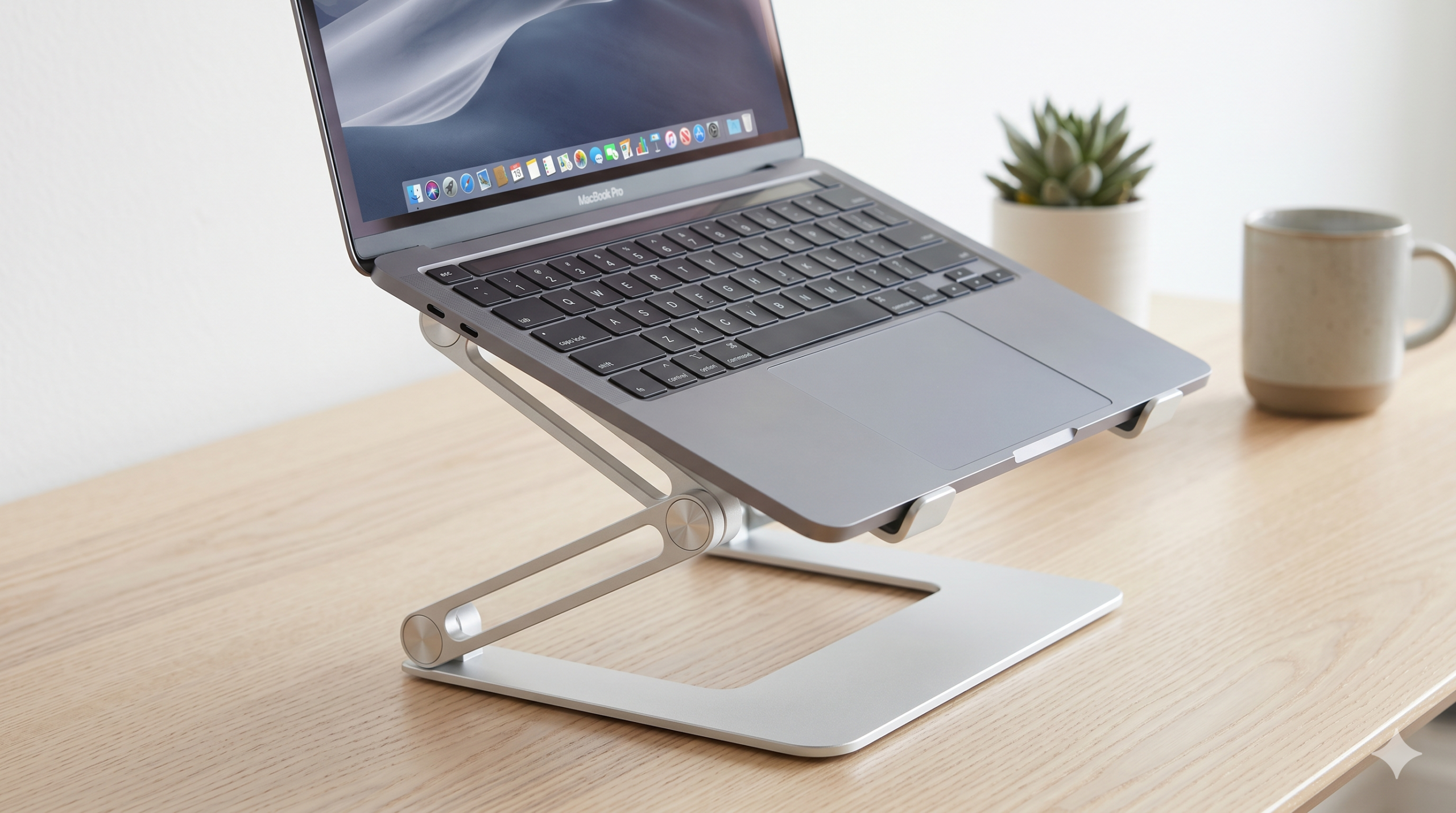
8. Laptop Stand (~$20-$30)
If you’re working from a laptop, a vertical laptop stand stores it beside your monitor rather than flat on the desk, freeing up enormous surface space. Most are tool-free and adjustable. Shop Laptop Stand
Product Comparison Table
| Product | Price | Impact on Cleanliness | Essential? | Shop |
|---|---|---|---|---|
| Monitor Arm | $30-$50 | ★★★★★ | Yes | 🛒 Shop |
| Slim Wireless Keyboard | $40-$60 | ★★★★★ | Yes | 🛒 Shop |
| Wireless Mouse | $25-$40 | ★★★★☆ | Yes | 🛒 Shop |
| Single-Color Desk Mat | $12-$18 | ★★★★☆ | Yes | 🛒 Shop |
| Under-Desk Cable Tray | $15-$20 | ★★★★★ | Yes | 🛒 Shop |
| Monitor Light Bar | $50-$80 | ★★★★★ | Yes | 🛒 Shop |
| Minimalist Desk Organizer | $15-$20 | ★★★☆☆ | Recommended | 🛒 Shop |
| Laptop Stand | $20-$30 | ★★★★☆ | If using laptop | 🛒 Shop |
Cable Management Is Everything
You can have the most beautiful gear in the world and a bad cable situation will destroy the look. The approach: start at the monitor and work backward. Every cable that runs from your monitor should be bundled together and run down the monitor arm, then along the back of the desk edge, into an under-desk cable tray. Power bricks go in the tray. The power strip goes in the cable management box or also in the tray. When you’re done, the only thing visible should be your monitor, keyboard, mouse, and whatever single decorative item you’ve allowed yourself.
Velcro cable ties (not zip ties — you’ll want to adjust) are the secret weapon. A $5 pack goes a long way.
Less Is More
The minimal desk is a practice, not a product purchase. Once you’ve got the gear, the discipline is maintaining it — not letting items accumulate on the surface. If you catch yourself putting something on the desk “just for now,” find it a permanent home immediately. That’s the habit that keeps minimal setups looking minimal. Share your setup with us when you’ve got it dialed in!