This guide contains affiliate links. As a TikTok Shop affiliate and Amazon Associate, I earn from qualifying purchases at no extra cost to you.
Working from home full-time means your desk setup directly affects your productivity, health, and energy levels. A great WFH setup reduces physical strain, eliminates distractions, and makes you look professional on video calls. Here’s what’s actually worth buying — with specific products at real prices.
⚠️ Prices are approximate and subject to change. Always check TikTok Shop for the most current pricing before purchasing.
The WFH Pro Desk Setup: Every Product You Need
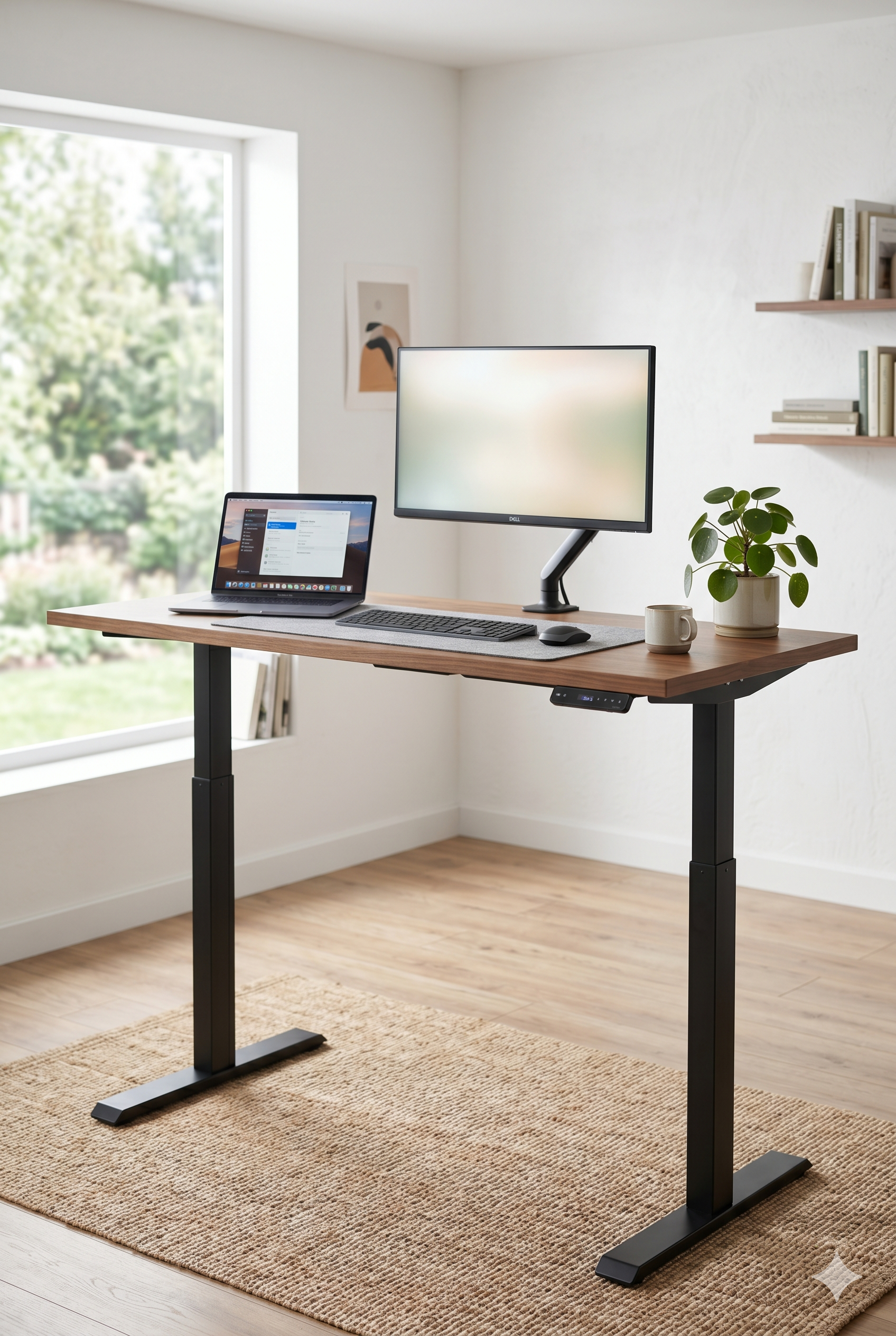
1. FlexiSpot H7 Plus Gas Spring Desk — ~$280
FlexiSpot H7 Plus — Dual motor, whisper-quiet operation, height range 22.8″ to 48.8″, 220lb weight capacity. The E7 Lite is the best standing desk under $300. Dual motor means it stays stable at full standing height — you won’t feel it swaying while you type. The 220lb capacity handles dual monitors, a dock, and all your gear. The programmable controller lets you save your exact sitting and standing heights.
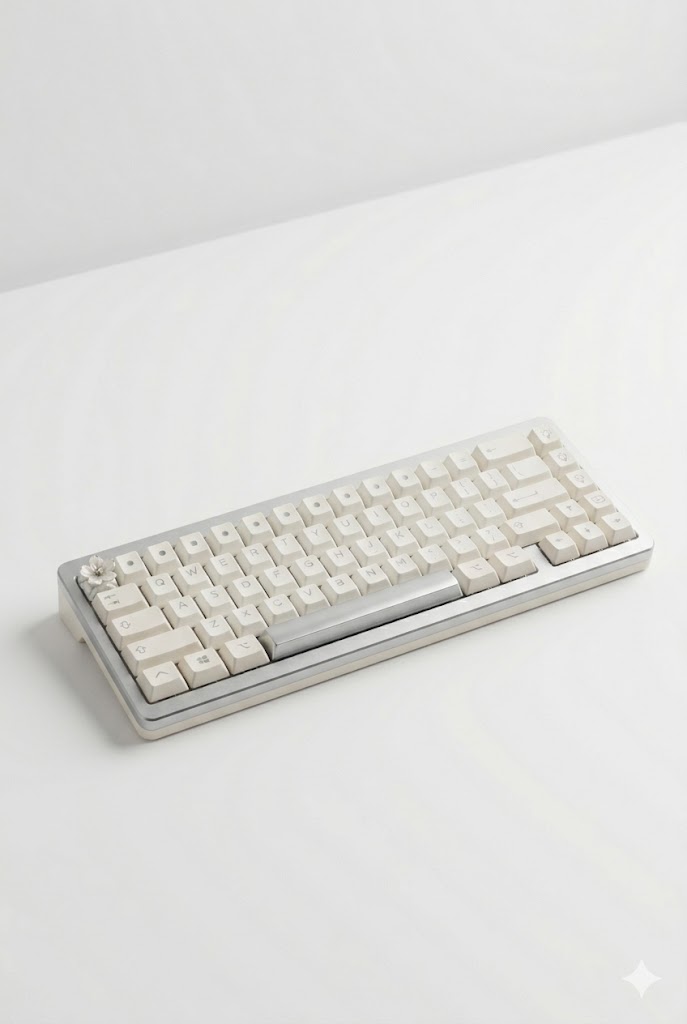
2. Keychron K10 HE Hall Effect Keyboard — ~$90
Keychron K10 HE — Gasket mount construction, south-facing RGB (reduces shine-through glare), hot-swappable switches, compatible with Mac and Windows out of the box. For WFH, the gasket mount is the key feature — it absorbs vibration and dramatically reduces typing noise. Your colleagues on Zoom will thank you. Hot-swap means you can switch to quieter switches without soldering if you join more calls.
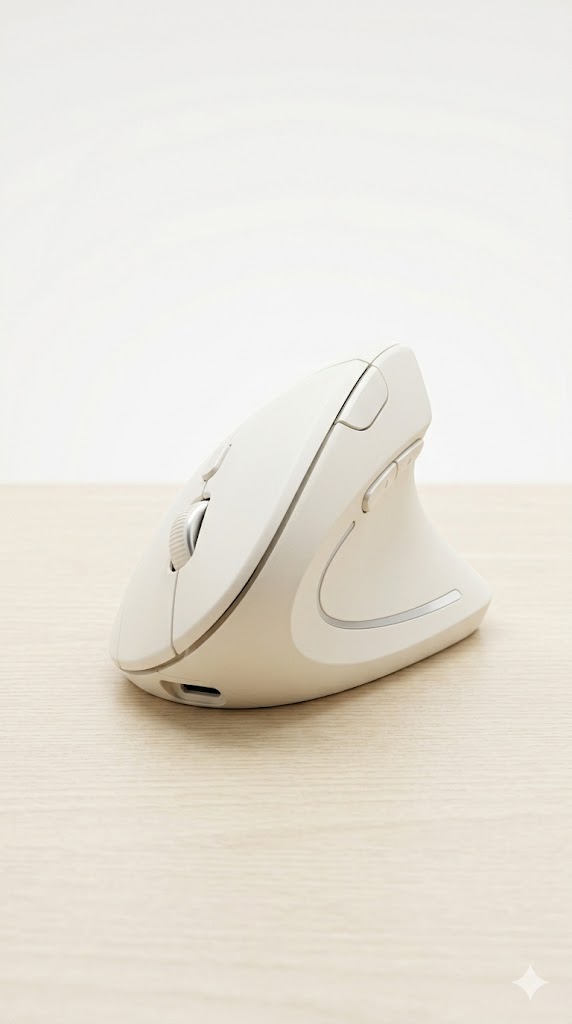
3. Logitech Lift Vertical Ergonomic Mouse — ~$80-90
Logitech MX Vertical — Natural “handshake” grip position, reduces wrist strain by 10% vs. standard horizontal mice (per Logitech research), 4000 DPI precision. If you’re using a mouse 6-8 hours a day, wrist position matters. The MX Vertical keeps your forearm in a neutral position instead of the pronated (palm-down) position that causes repetitive strain. Takes about a week to get used to — worth it.
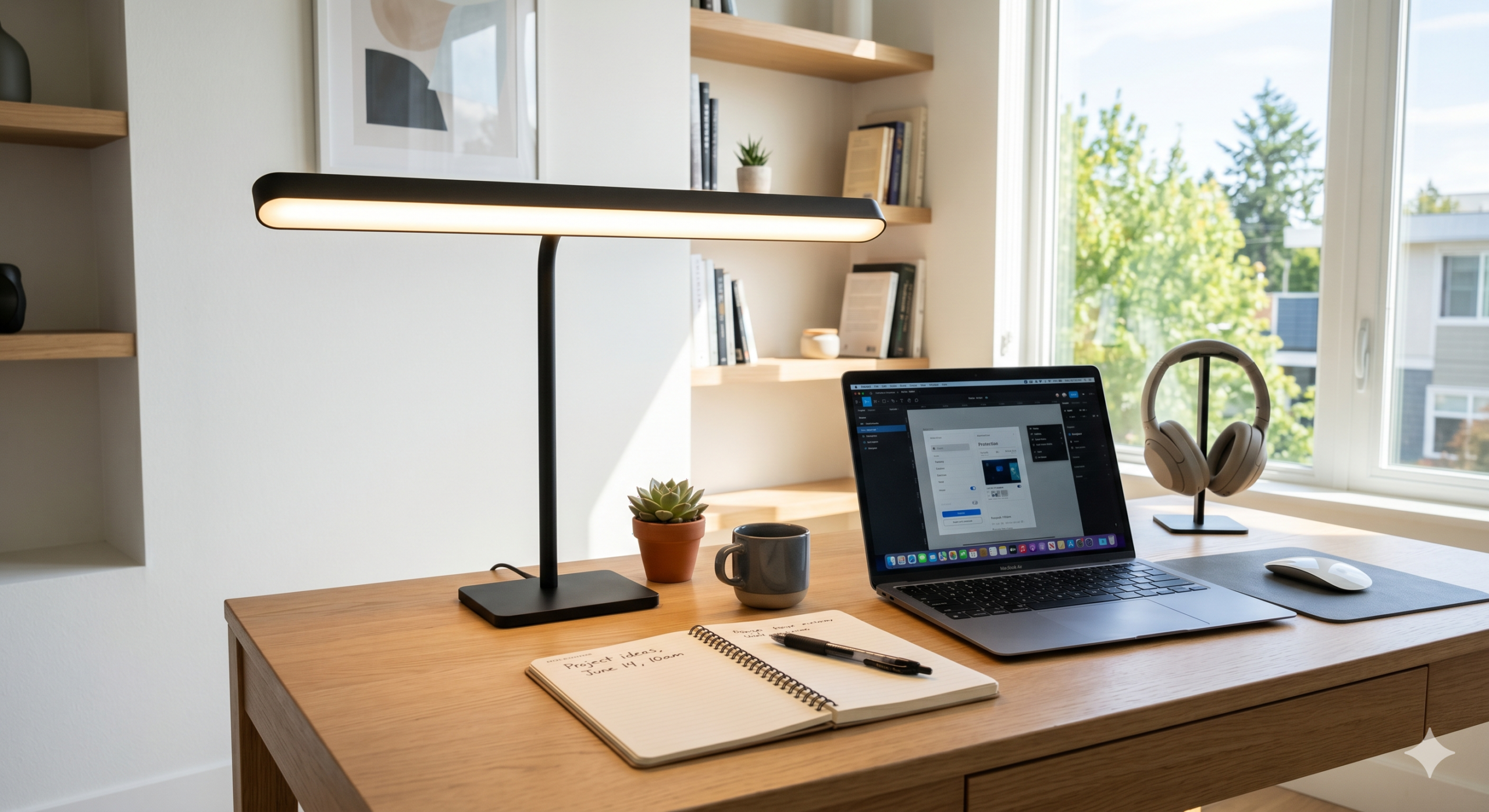
4. LED Desk Lamp for Home Office (24W) — ~$109
BenQ Screenbar — Auto-dimming sensor, USB powered (no outlet needed), asymmetric optical design prevents screen glare, 14 color temperature settings. The BenQ Screenbar is the #1 WFH lighting upgrade. It mounts on top of your monitor, auto-adjusts brightness based on ambient light, and lights your desk without creating any reflection on your screen. Your video call lighting improves immediately.
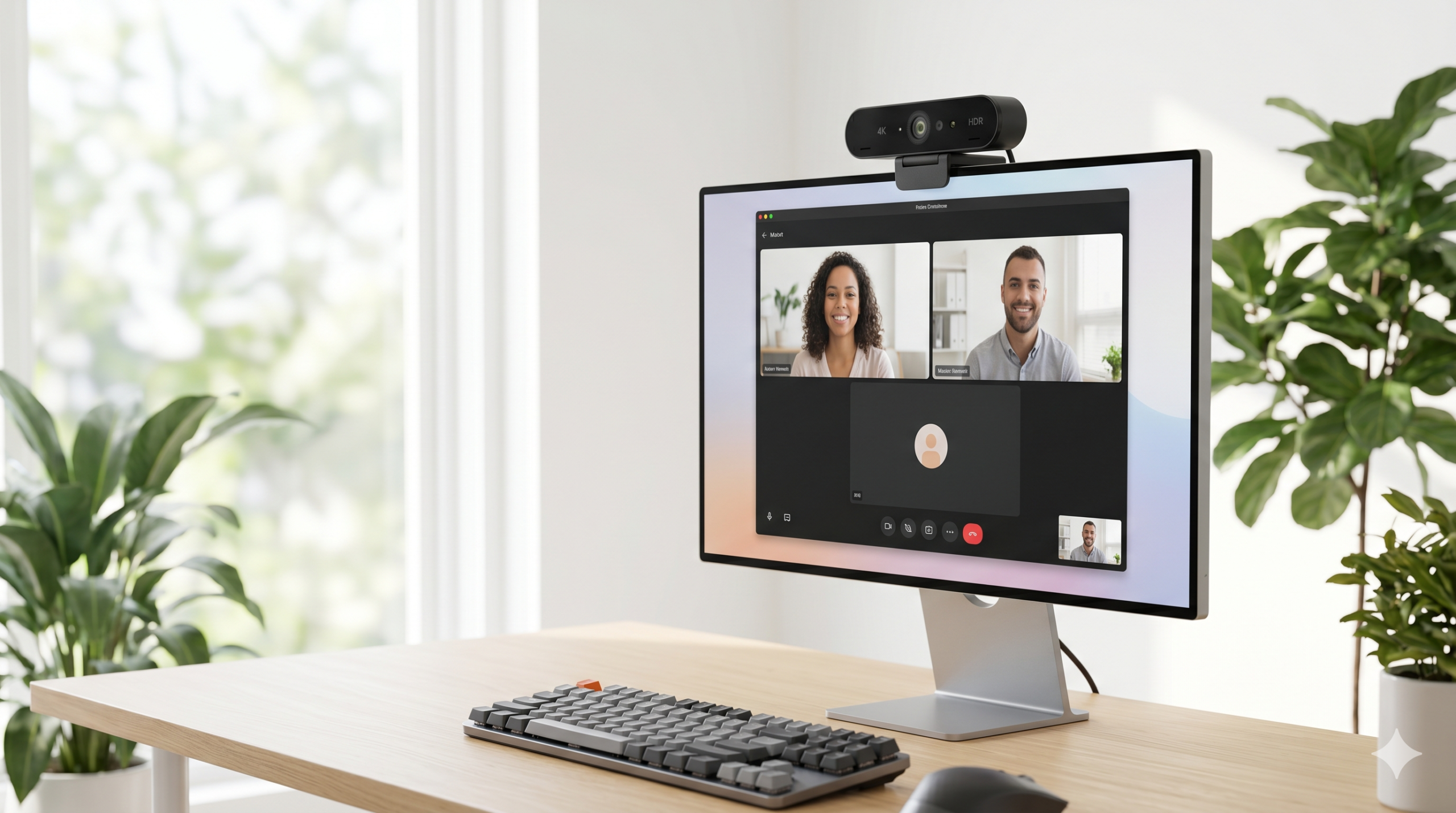
5. EMEET C60E 4K Webcam — ~$70
Logitech C920 — 1080p at 30fps, autofocus, built-in dual stereo microphone, plug-and-play with no driver installation. The C920 is the most-used webcam in professional settings for a reason: it just works. Autofocus keeps you sharp as you lean in and out. The built-in stereo mic is good enough to eliminate the need for a separate mic for most WFH calls.
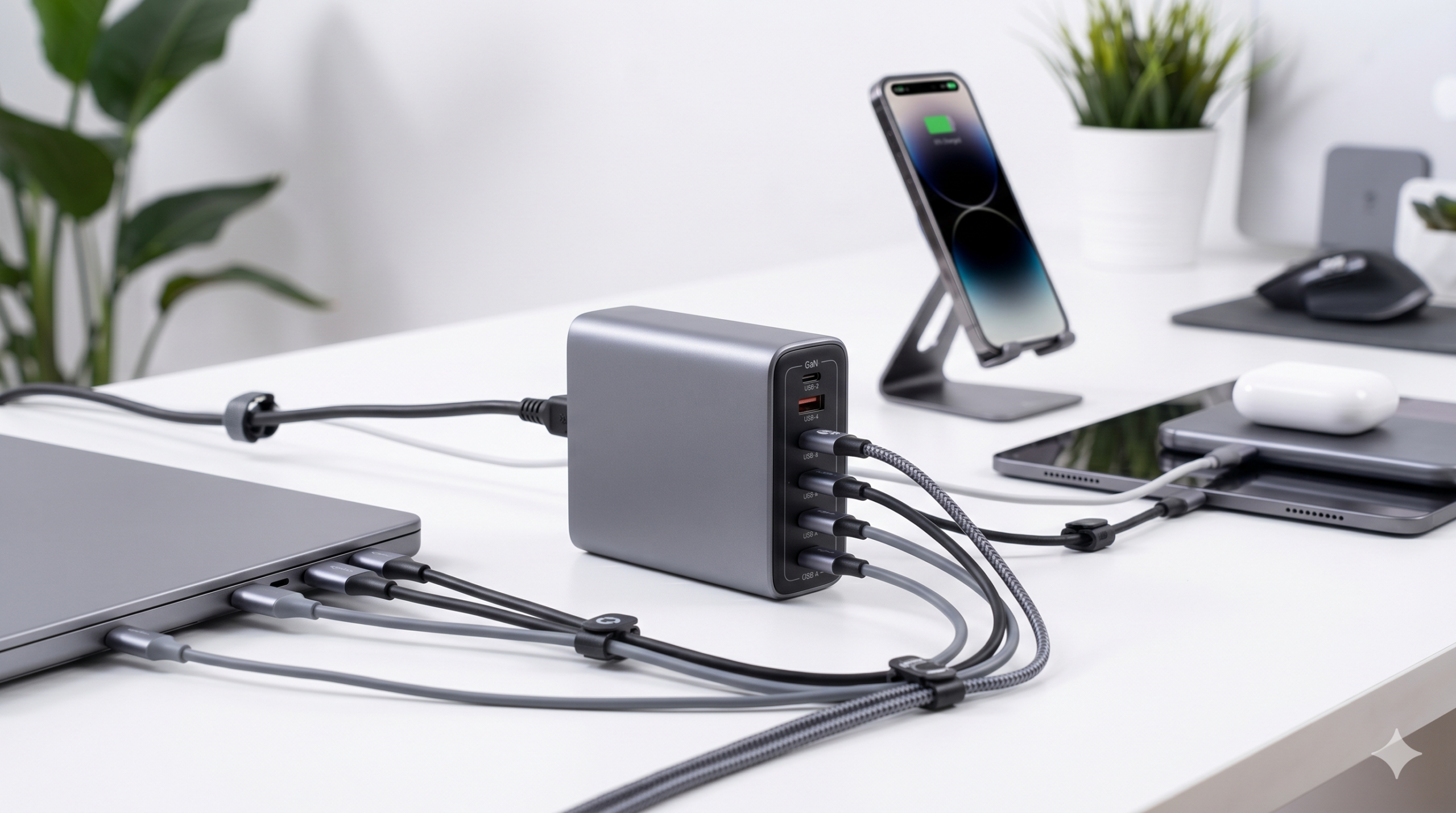
6. Anker Prime 250W 6-in-1 GaN Charger — ~$40-60
Anker USB-C Hub — 7-in-1 or 10-in-1 options, 4K HDMI output, SD and microSD card slots, USB-A and USB-C ports, ethernet port. A docking station is the foundation of a clean WFH desk. One cable connects your laptop to everything: monitor, keyboard, mouse, ethernet, webcam, and phone charger. See the “One Cable Setup” tip below.
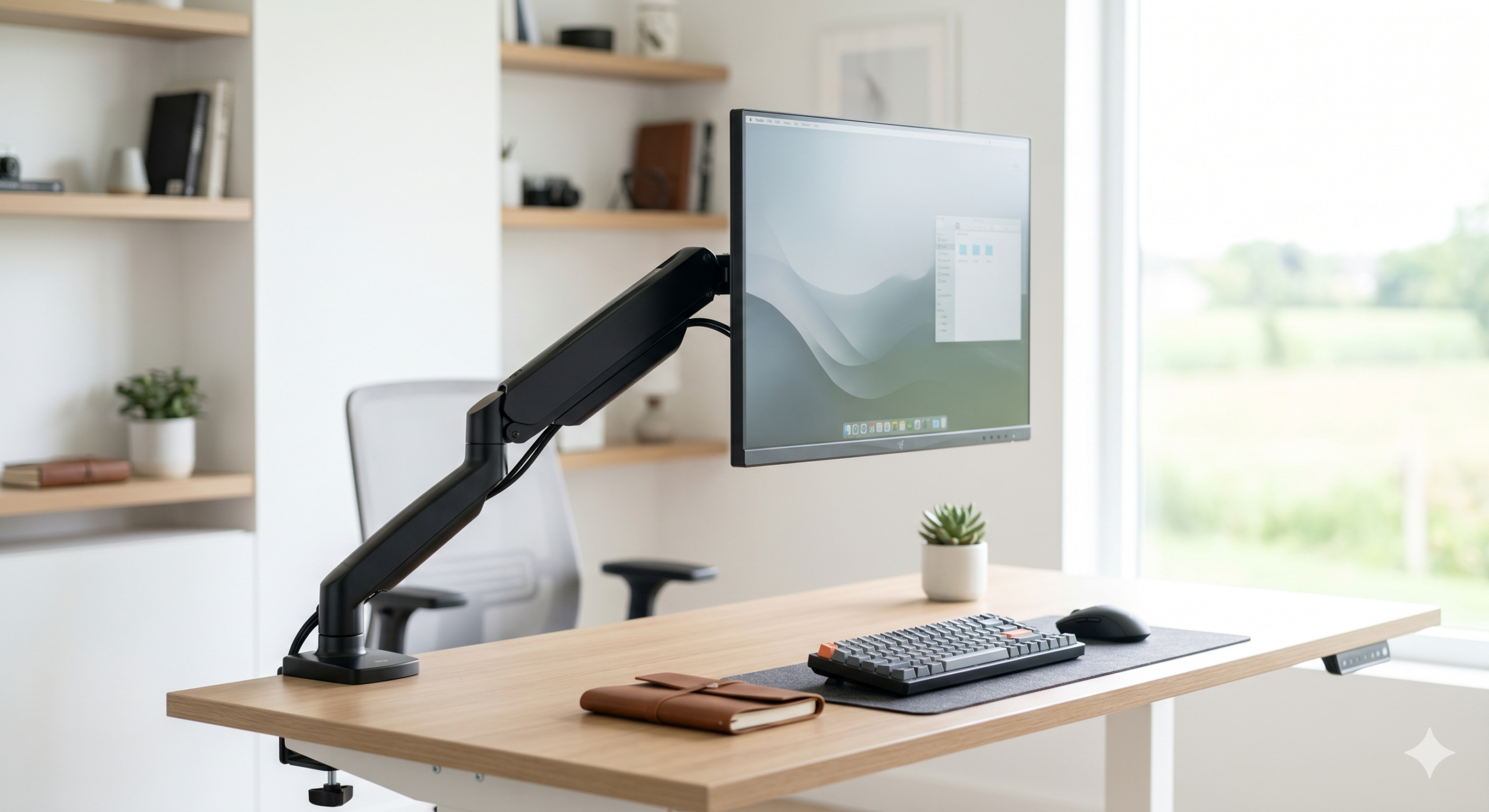
7. Single Monitor Arm — ~$35-45
Single Monitor Arm — VESA mount compatible, full tilt/swivel/height/rotate adjustment, frees up 6+ inches of desk depth. Mounting your monitor on an arm is one of the highest-ROI desk upgrades. You recover the depth your monitor stand was sitting on, you can position your screen at exact eye level (critical for posture), and you can swing the monitor out of the way when you need the desk space.
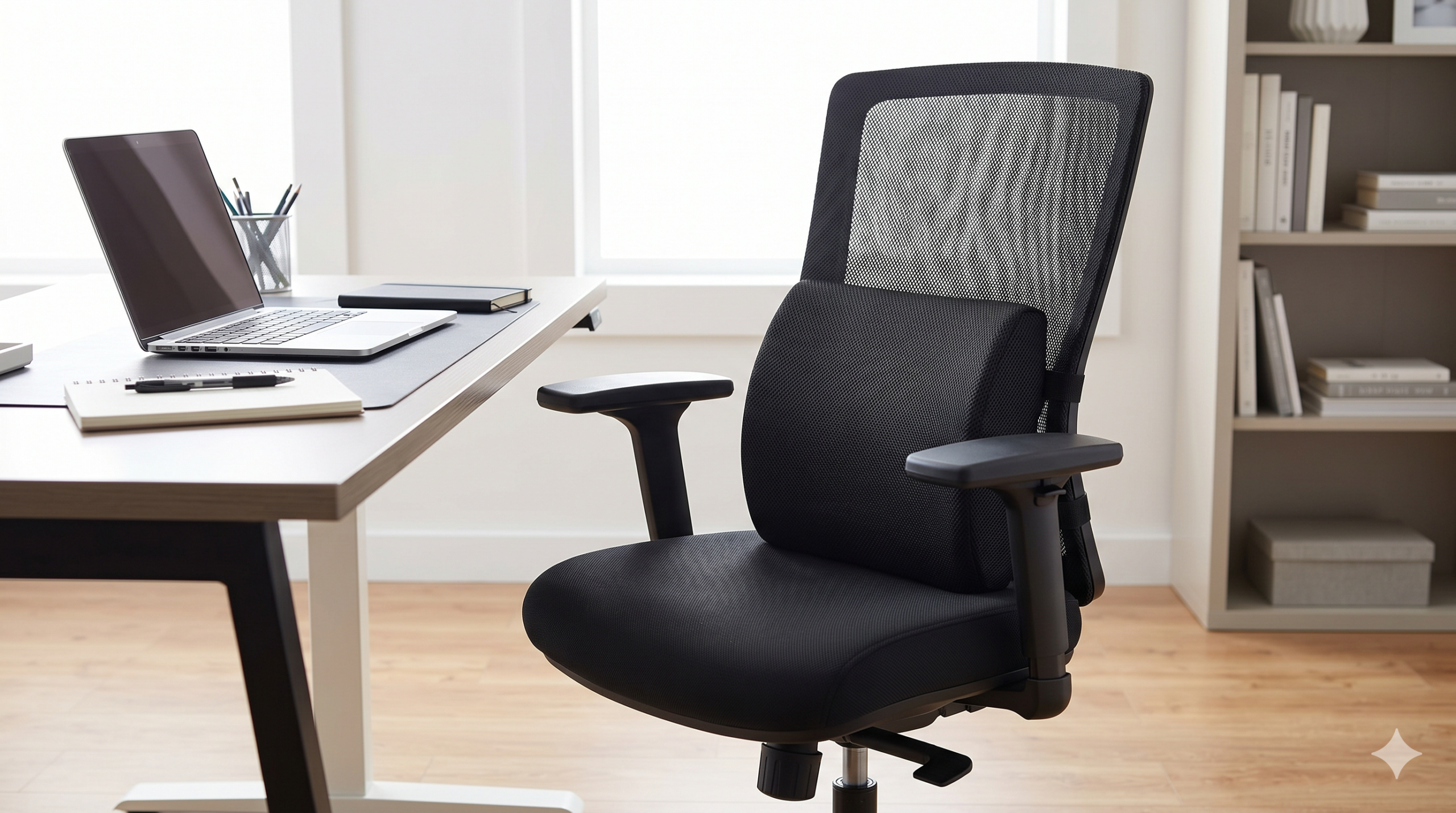
8. Ergonomic Lumbar Support Cushion — ~$25-35
Ergonomic Lumbar Cushion — Memory foam core, adjustable strap fits any chair, promotes natural lumbar curve. Most chairs under $300 don’t have real lumbar support. A memory foam lumbar cushion costs $30 and fixes this immediately. Strap it to any chair and it maintains the natural inward curve of your lower back — dramatically reduces lower back pain on long workdays.
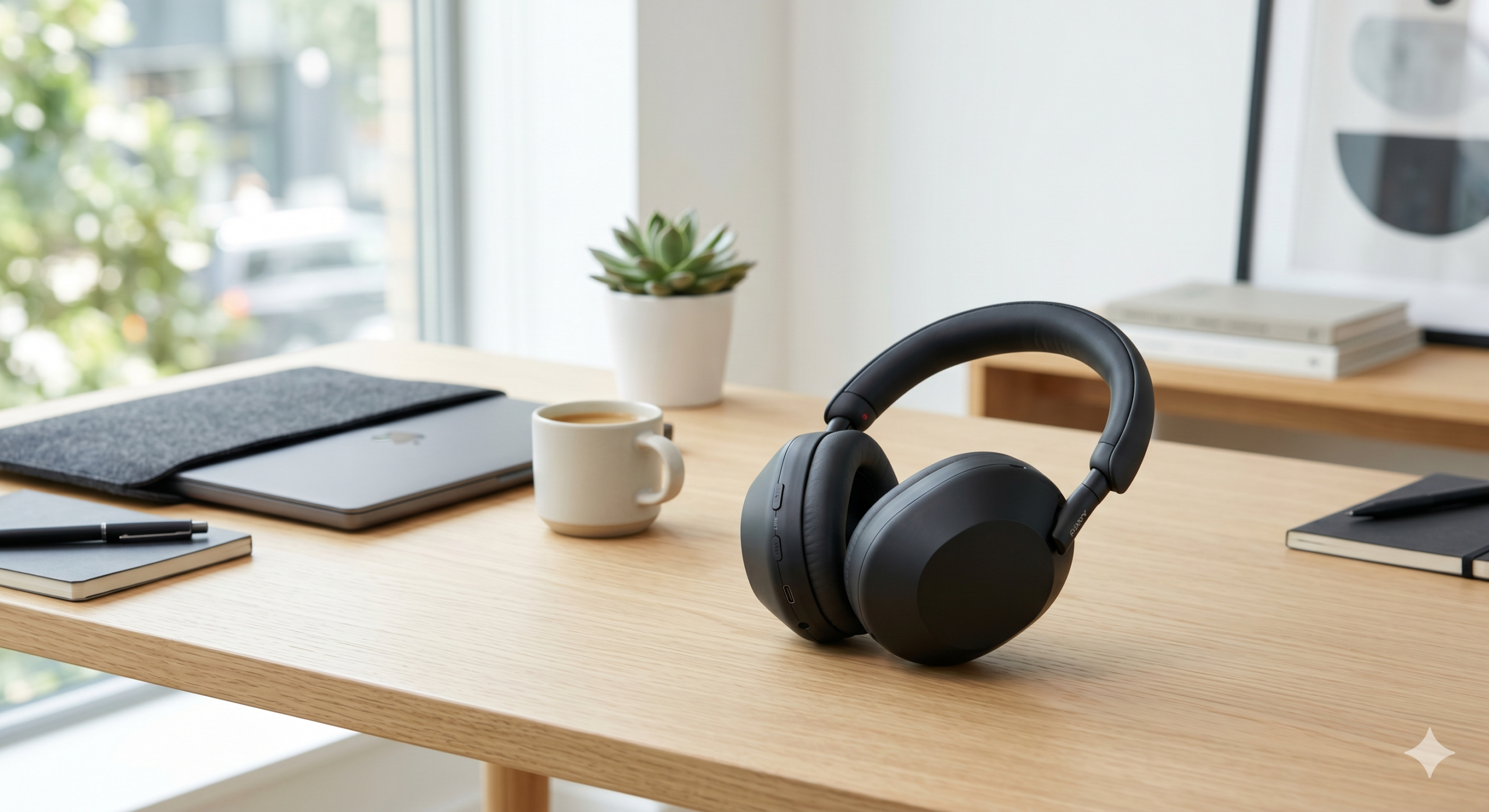
9. Noise-Canceling Headphones or Headset — ~$50-100
Noise-Canceling Headphones — Active noise cancellation, comfortable over-ear design, inline mic or built-in mic for calls. Deep work requires the ability to block out your environment. ANC headphones at $50-100 now offer surprisingly good noise cancellation. Pick over-ear for comfort on long focus sessions.

10. Blue Light Blocking Glasses — ~$20-30
Blue Light Blocking Glasses — Filters high-energy blue light wavelengths (380-500nm), reduces digital eye strain, no prescription needed. Eight hours on screens takes a toll on your eyes. Blue light glasses reduce the fatigue and headaches that come with long screen days. Wear them after 2pm to also protect your sleep quality — blue light exposure in the evening suppresses melatonin production.
The One Cable Setup
The cleanest WFH desk has exactly one cable running to your laptop. Here’s how to achieve it:
- Get a USB-C docking station — the Anker 7-in-1 or 10-in-1 hub plugs into your laptop via a single USB-C cable
- Plug everything into the dock — monitor (HDMI), webcam (USB-A), keyboard (USB-A or USB-C), ethernet, phone charger (USB-A)
- Switch to wireless mouse and keyboard — the Keychron V1 Max (wireless version) and any 2.4GHz mouse eliminate the last two cables on your desk surface
- Run the dock cable under-desk — velcro cable tie from the dock down through a desk grommet, single cable comes up to your laptop
Result: you sit down, plug in one USB-C cable, and everything is connected — monitors, internet, peripherals, and power. You unplug one cable when you leave. This is how a professional WFH setup should feel.
WFH Setup by Budget
$400 Practical WFH Build
Fixed desk ($100) + Keychron V1 keyboard ($90) + wireless mouse ($45) + monitor arm ($40) + BenQ Screenbar ($109) + lumbar cushion ($30) = ~$414. This is the setup that improves your posture, your lighting on calls, and your typing feel immediately.
$600 Full WFH Pro Build
FlexiSpot E7 Lite ($280) + Keychron V1 ($90) + MX Vertical mouse ($85) + Anker hub ($50) + BenQ Screenbar ($109) + lumbar cushion ($30) = ~$644. Standing desk, ergonomic mouse, one-cable setup, and professional call lighting. This is the real WFH pro tier.